Exploring Comet and an Unexpected Realization
Over the past few days, I explored Perplexity’s Comet Browser, and the experience left me thinking deeply about the future of design.
I tried using Comet’s Assistant feature as a user of an application. It was able to run a high-level test and even generated a structured report. That felt impressive — it understood the goal, gathered information, and returned something coherent. But then I pushed further. Curious to see how far it could go, I asked it to create an n8n workflow. It understood what I wanted but couldn’t fully move through the app. Later, I asked it to create wireframes in Figma. Again, it gave an attempt, but couldn’t finish the flow.
What struck me was not where it failed, but why it failed. The intent was clear. The intelligence was there. What broke down was the interface — a UI built entirely around how a human sees and interacts, not how a machine does.
AI Is Slowly Becoming a User
These small experiments made me realize something important:
AI is no longer just a tool - it is slowly becoming a user of our products.
This is not a metaphor. AI agents today actively navigate interfaces — they click buttons, fill forms, scroll through content, and make decisions based on what they can read and interpret on screen. The difference is that they do not perceive the way we do. A human can glance at a page and immediately understand its purpose from layout, color, and spatial context. An AI agent reads labels, follows structure, and depends on clear, consistent patterns to understand what an element does and where a flow should go next.
When the interface is ambiguous for a human, it is often broken for a machine.
Designing Traditionally for Humans
Traditionally, as UX designers, we have always designed experiences only for human users. We think about their needs, pain points, emotions, and journeys. We use visual hierarchy to guide attention. We lean on intuition — the assumption that a user will recognise a trash icon, understand that a greyed-out button means disabled, or figure out the next step from context alone.
But now, AI agents are starting to actively interact with our systems. They try to read our interfaces, follow workflows, and even take actions on behalf of the user. And they do not have intuition. They do not rely on spatial memory or visual metaphor. They need structure that is explicit, labels that are descriptive, and flows that are predictable enough to be followed step by step.
A Shift in the Design Approach
This means our design approach needs to evolve. These are not hypothetical questions anymore — they are already relevant for any team building tools where AI assistants or agents are part of the experience:
- Can an AI agent understand the structure of this interface?
- Are we giving enough labels, metadata, and context for machines to use it correctly?
- How can we balance human accessibility with machine usability so both benefit at the same time?
- How should design systems expand to include AI-first principles along with human-centered ones?
What AI-Ready Design Looks Like in Practice
The good news is that designing for AI agents and designing for humans are not opposites — they overlap more than you would expect. When you write a clear button label instead of a vague one, both your user and the AI agent benefit. When you use consistent patterns across your product, both find it easier to navigate.
A few things that matter most:
- Descriptive labels over clever ones. A button that says “Export Report as PDF” is better than one that says “Go” — for everyone.
- Consistent interaction patterns. If deleting an item requires a confirmation dialog in one place, it should everywhere. Inconsistency confuses agents just as it frustrates users.
- Semantic structure. Clear headings, logical tab order, meaningful input names — these have always been accessibility best practices. They are also exactly what an AI agent needs to navigate a screen.
- Fewer ambiguous states. Empty states, loading states, error states — each needs to be explicit and clearly communicated, not just visually implied.
Entering a New Era of Product Design
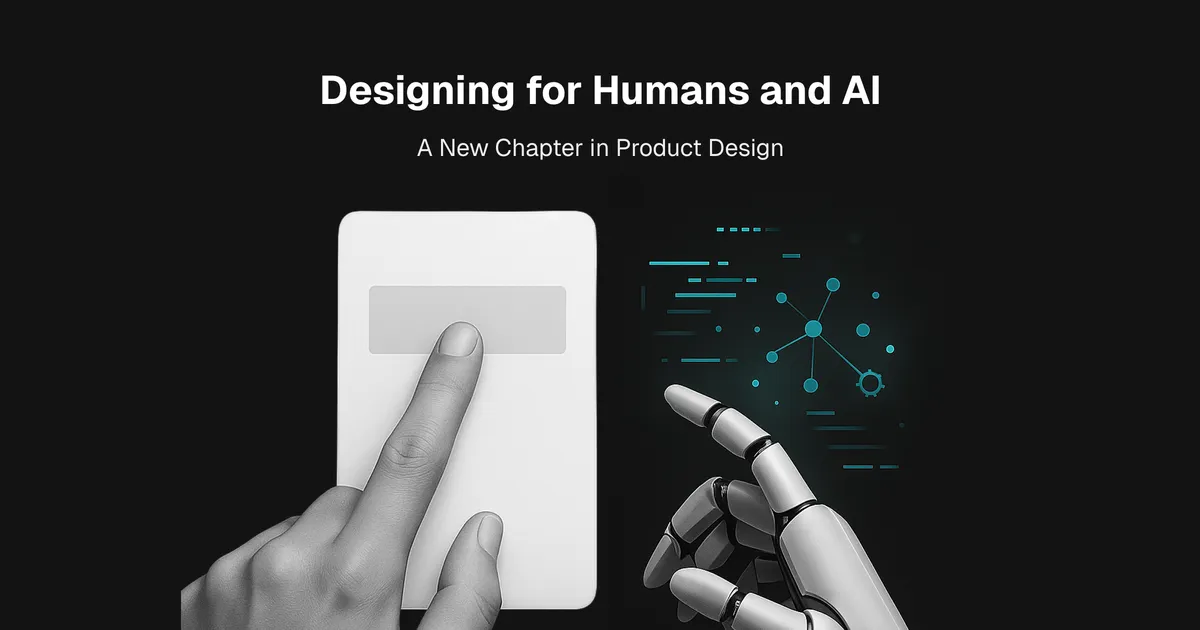
This is a big shift. We are entering a new era where the “user” is not just the person in front of the screen, but also the AI agent working alongside them.
The way we design today will decide how smoothly this collaboration works tomorrow. Designers who start thinking about this now — who begin asking whether their interfaces are navigable not just by people but by agents — will be the ones who shape what this era looks like.
It is both a challenge - and a huge opportunity - for us as designers to expand what we mean by good design. Not just beautiful and usable, but structured, legible, and ready for whatever comes next.